Category: Media

  • Naming and Referencing Morphs in Squeak/Smalltalk

    Naming and Referencing Morphs in Squeak/Smalltalk

    Dr. Nicola Mingotti has released a new in-depth tutorial video that explores how to identify and name Morphs in the Squeak/Smalltalk environment. If you have ever wondered how to refer to a specific Morph – for example, how to say “make that Morph yellow” – this video walks you through several effective techniques.

    Throughout the video, you will learn how to use tools such as the object explorer and the workspace to better understand and interact with objects in Squeak. The tutorial introduces a variety of methods, including assigning names to Morphs, identifying them using properties such as identityHash and knownName, and inspecting objects with user interface tools that are not immediately obvious to new users.

    This tutorial is particularly useful for those who wish to go beyond the basics and gain more precise control over their Squeak projects. It also includes several helpful interface tips that may be difficult to discover independently.

    Check out the video here!

    Have a great time with Smalltalk and keep on Squeaking!

  • What Are Flaps in Squeak?

    What Are Flaps in Squeak?

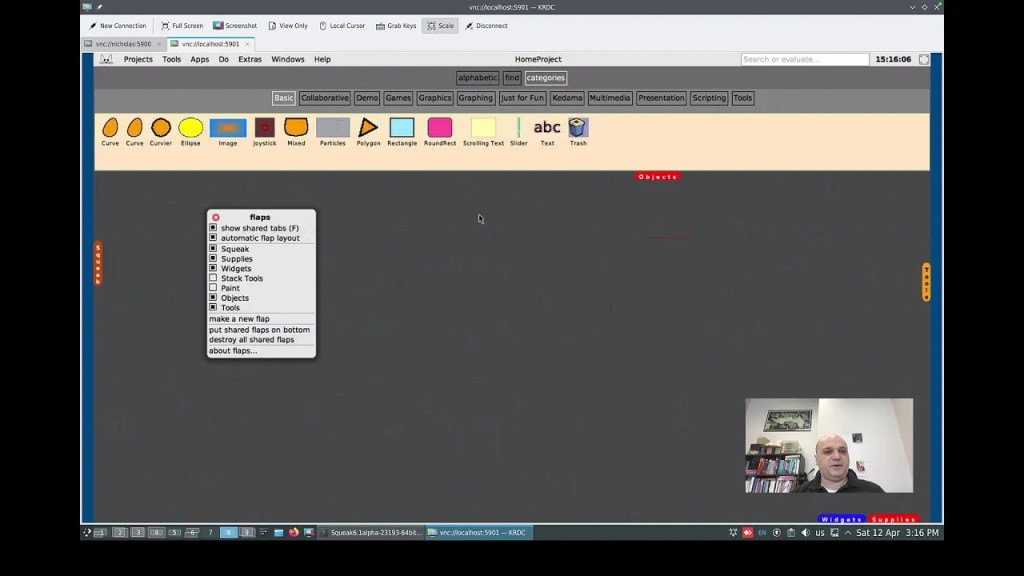
    Dr. Nicola Mingotti has created a short introductory video, “Flaps in Squeak Smalltalk,” that explains how to get started using flaps in the Squeak environment. In the video, he demonstrates how to enable flaps, use them to drag objects into the Squeak World, and explores a few basic configuration options. If you are new to flaps or looking for a quick overview, this video provides a clear and helpful starting point. You can watch it here.

    Have a great time with Smalltalk and keep on Squeaking!

  • Using the Squeak Help System for Your Projects

    Using the Squeak Help System for Your Projects

    Dr. Nicola Mingotti has created a highly useful video tutorial, “The Squeak Smalltalk Help System”, where he demonstrates how to use and implement the Squeak Help System in your projects. In the video, Dr. Mingotti walks you through a step-by-step guide on creating documentation for your code, providing valuable insights into integrating the help system into your workflow. You can check out his video here.

    Additionally, Dr. Mingotti offers supporting materials in his Swiki article here, which includes code snippets and further comments to aid your understanding.

    Overview of the Squeak Help System

    One of the many great features of Squeak is its rich set of help documentation. The default Squeak image comes with valuable documentation that covers topics such as: How to Use Squeak, How to Contribute to Squeak, Tutorials, The Terse Guide to Squeak, and Using WebClient and WebServer. This documentation is easily searchable, making it a highly useful resource for your projects.

    Help System vs. Code Comments

    It is important to note that the Squeak Help System is not intended to replace code comments. Squeak/Smalltalk provides excellent functionality for adding comments directly in your code, and these should remain the primary way to document code behavior, logic, and functionality. The Help System is designed for documentation outside the scope of code comments, such as explaining overall project goals, providing tutorials, or offering guidance on using tools and features in your project.

    Features of the Help System

    The help documentation system offers a variety of features, including text styling (bold, italics, strikethrough, underline), code formatting and syntax highlighting, and URLs, to name a few.

    Additionally, you can add images to your documentation. This feature is currently available in the Trunk image, but you can implement it in other images as well by using its code as a reference. For the 6.0 image, you can perform a fileout of the SqueakHelpTextImage class from the Trunk image and then filein it into the 6.0 image. Alternatively, you can create your own code to implement this functionality! Thanks to Christoph Thiede for providing guidance on how he implemented this feature. You can find his post here.

    How to Insert an Image into Your Help Page

    1. Open a Workspace window.
    2. In the Workspace, perform a “do it” on the following code:
      Clipboard clipboardText: Character startOfHeader asString.
    3. In your help page window, move your cursor to the location where you want to insert the image. Paste the clipboard contents (Ctrl+v or Cmd+v on Mac). At this point, you won’t see anything yet.
    4. (Optional) Skip this step if you prefer typing the code manually. Copy the following code, replacing /path/to/file/image.png with the actual path and filename of your image:
      SqueakHelpTextImage forForm: (ImageReadWriter formFromFileNamed: '/path/to/file/image.png')
    5. Return to your help page window and move your cursor to the same location where you want to insert the image. Press Alt+5 (or Cmd+5 on Mac), then select “Custom attribute…” from the bottom of the list.
    6. When the Input Requested box appears, paste the image code from Step 4 (or manually type it in) into the field labeled “Enter expression for text attribute:”. You should now see a shaded outline where the image will appear.
    7. Save your changes by pressing Ctrl+s (or Cmd+s on Mac).

    Your image is now successfully inserted into your help document!

    Conclusion

    A big thank you to Dr. Nicola Mingotti for his helpful video tutorial on using the Squeak Help System, which offers a step-by-step guide for integrating the help system into your workflow. His Swiki article is also a helpful resource with code snippets and additional comments. Be sure to check out his materials to further enhance your understanding of Squeak and the Help System!

    Have a great time with Smalltalk and keep on Squeaking!

  • Using TextLineMorph in Squeak for Single-Line Text Input in Graphical Interfaces

    Using TextLineMorph in Squeak for Single-Line Text Input in Graphical Interfaces

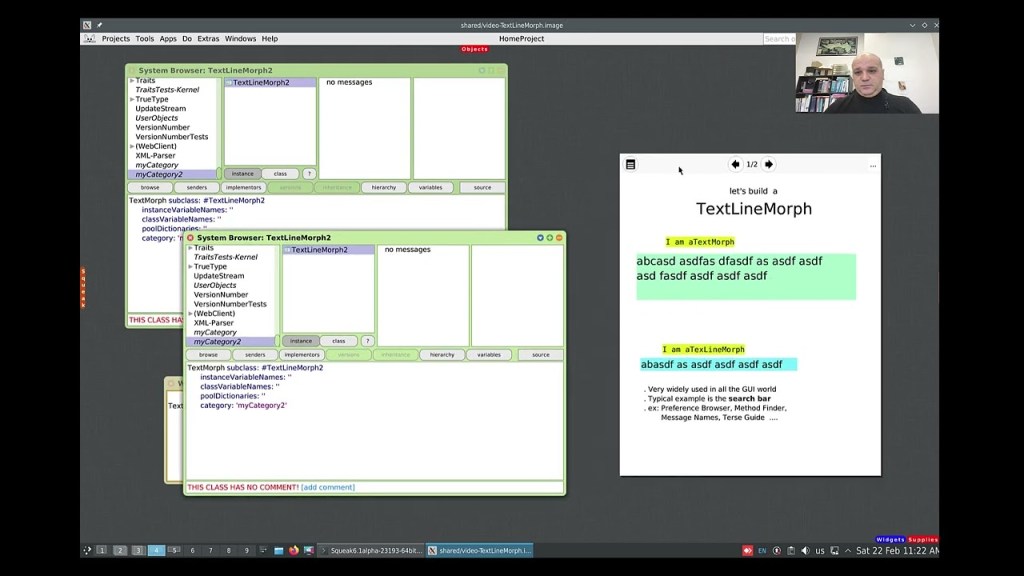
    While working with Morphs can be quite easy at times, working with both text and Morphs might not always seem as straightforward. Dr. Nicola Mingotti provides a helpful video that demonstrates a commonly needed functionality in graphical interfaces, where you would typically want to accept a single line of textual data. Check out his video to see how this can be easily accomplished. You can view the video demonstration “Make a TextLineMorph in Squeak Smalltalk” here.

    Have a great time with Smalltalk and keep on Squeaking!
  • New Video Demonstrating Morphic Animation

    New Video Demonstrating Morphic Animation

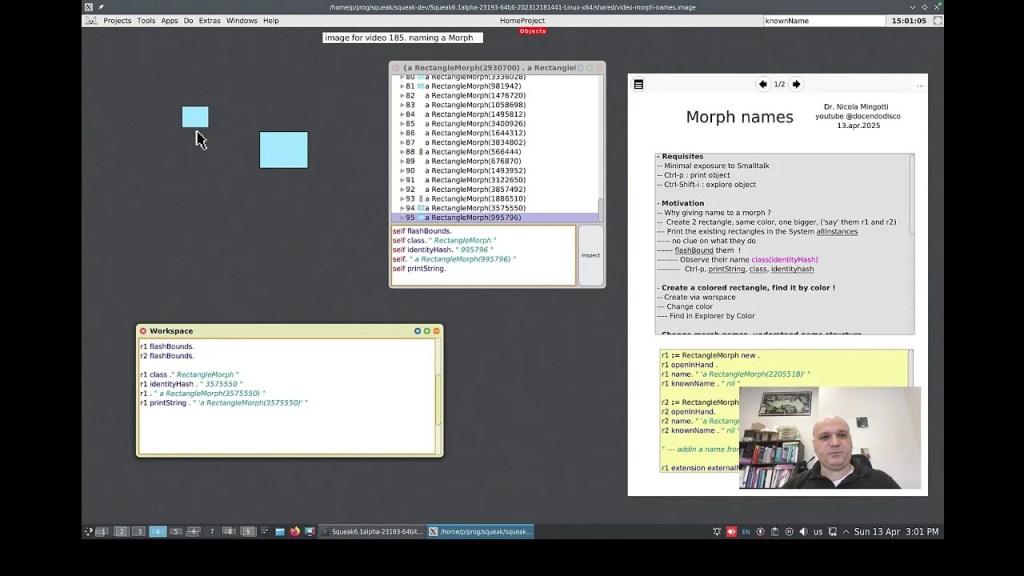
    Would you like to view a demonstration of how to take advantage of the Morphic animation system in Squeak? If so, you are in luck! A new video has recently been posted that takes you through the steps of doing just that. The Morphic animation system in Squeak offers a simple way to animate and interact with objects in your environment. Whether you are building basic animations or more complex interactive systems, Morphic provides a wealth of possibilities for both beginners and seasoned developers alike. You can watch the video titled “A BlinkingRectangle Morph in Smalltalk” here.

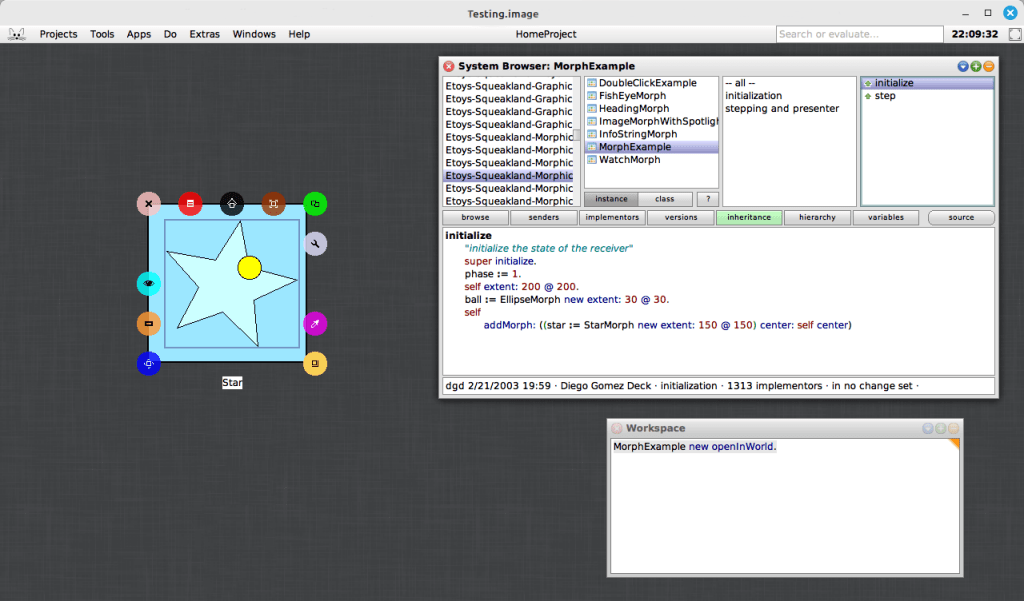
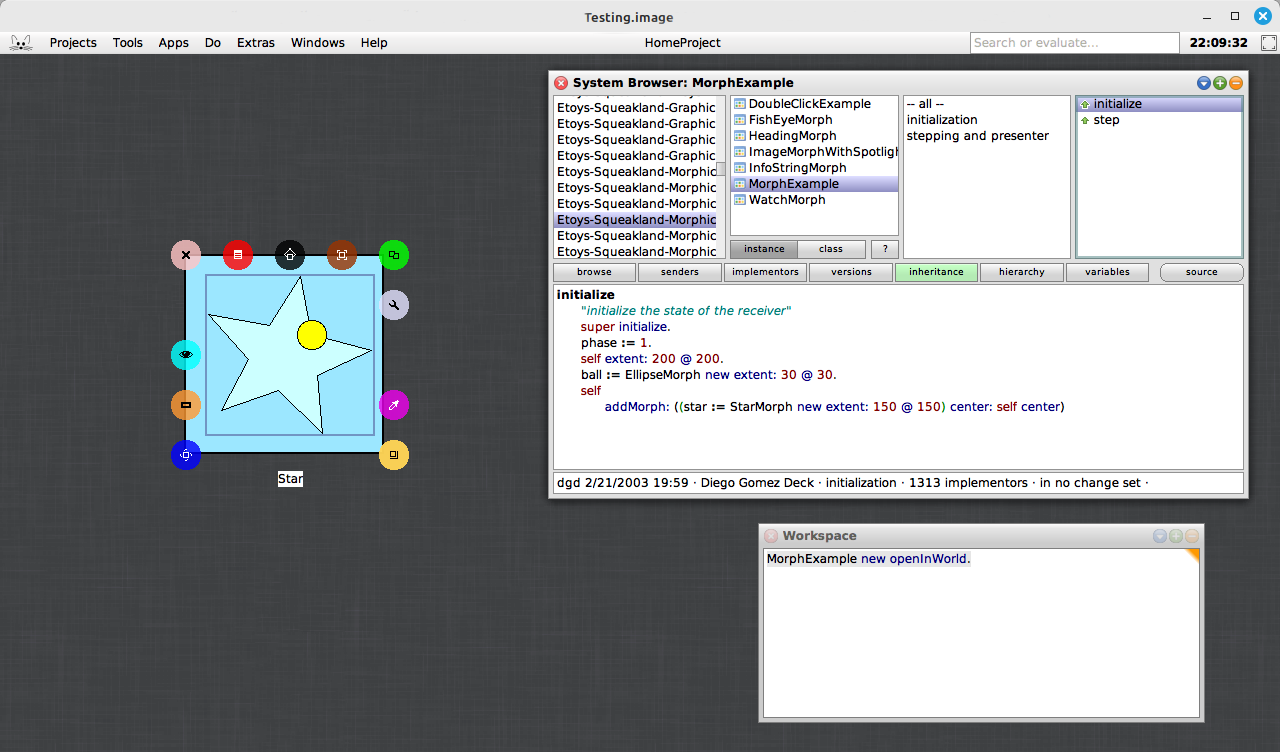
    In addition to the video tutorial, you can explore a very simple, yet powerful example included in the Squeak image. This example morph can be found with the somewhat hard-to-remember name, MorphExample. By evaluating “MorphExample new openInWorld” (without the surrounding parentheses) in a Workspace, you can discover how easy it is to make morphs perform various actions. This demonstration emphasizes the beauty of the Morphic system’s simplicity: you do not need to write complex code to animate objects. Instead, you can focus on creating rich, interactive applications and interfaces with just a few lines of code.

    One of the most compelling aspects of the Morphic system is how effortlessly it enables dynamic, real-time interaction, especially when used within the Smalltalk environment. Compared to many other graphical frameworks, where handling interactions often requires more complex event handling and manual updates, Morphic allows you to create interactive, animated objects with minimal code. For example, you can open a halo on the star, resize or rotate it, and the animation will continue to perform and adjust dynamically to the star’s new dimensions. This responsiveness highlights the simplicity and flexibility of the Morphic system, making it an ideal choice for building interactive systems without the need for manual recalculations or updates.

    If you are interested in delving deeper into the Morphic system, you can access Chapter 12 of Squeak by Example for more detailed explanations and examples. The book offers a clear guide to the system, making it an excellent resource for developers looking to better understand Morphic. You can read the full chapter here.

    For those who want to learn more about using halos with morphs in Squeak, there is another excellent video resource available. The video “Morphic Halo icons in Squeak Smalltalk” demonstrates how to interact with the Morphic halo icons to manipulate morphs in the Squeak environment. Whether you are new to Squeak or already familiar with the basics, this video provides valuable insights into how halos can be used to interact with morphs. Check it out here.

    Have a great time with Smalltalk and keep on Squeaking!
  • UK Smalltalk User Group Releases Archived Presentation Videos on YouTube

    UK Smalltalk User Group Releases Archived Presentation Videos on YouTube

    The holidays may be over, but the presents are still arriving from the UK Smalltalk User Group! Videos of previous presentations have been released over the past month, covering a variety of interesting topics–a total of 57 as of this writing! Be sure to check out their new YouTube channel at https://www.youtube.com/@UKSTUG. Also, be sure to visit their homepage at https://www.uksmalltalk.org/, and if you would like to attend any meetings, their Meetup site can be found at https://www.meetup.com/ukstug/.

    Have a great time with Smalltalk and keep on Squeaking!

  • Discover BYTE Magazine Archives at World Radio History: A Valuable Resource for Tech Enthusiasts and Smalltalk Historians

    Discover BYTE Magazine Archives at World Radio History: A Valuable Resource for Tech Enthusiasts and Smalltalk Historians

    Tim Rowledge, a dedicated community member and long-time contributor, has uncovered a fantastic resource for tech enthusiasts: a comprehensive archive of BYTE magazine issues hosted on World Radio History. This well-organized collection spans from 1975 to 1994 and offers a detailed look at the technological advancements of the time, including the early development of Smalltalk. You can explore the archive here.

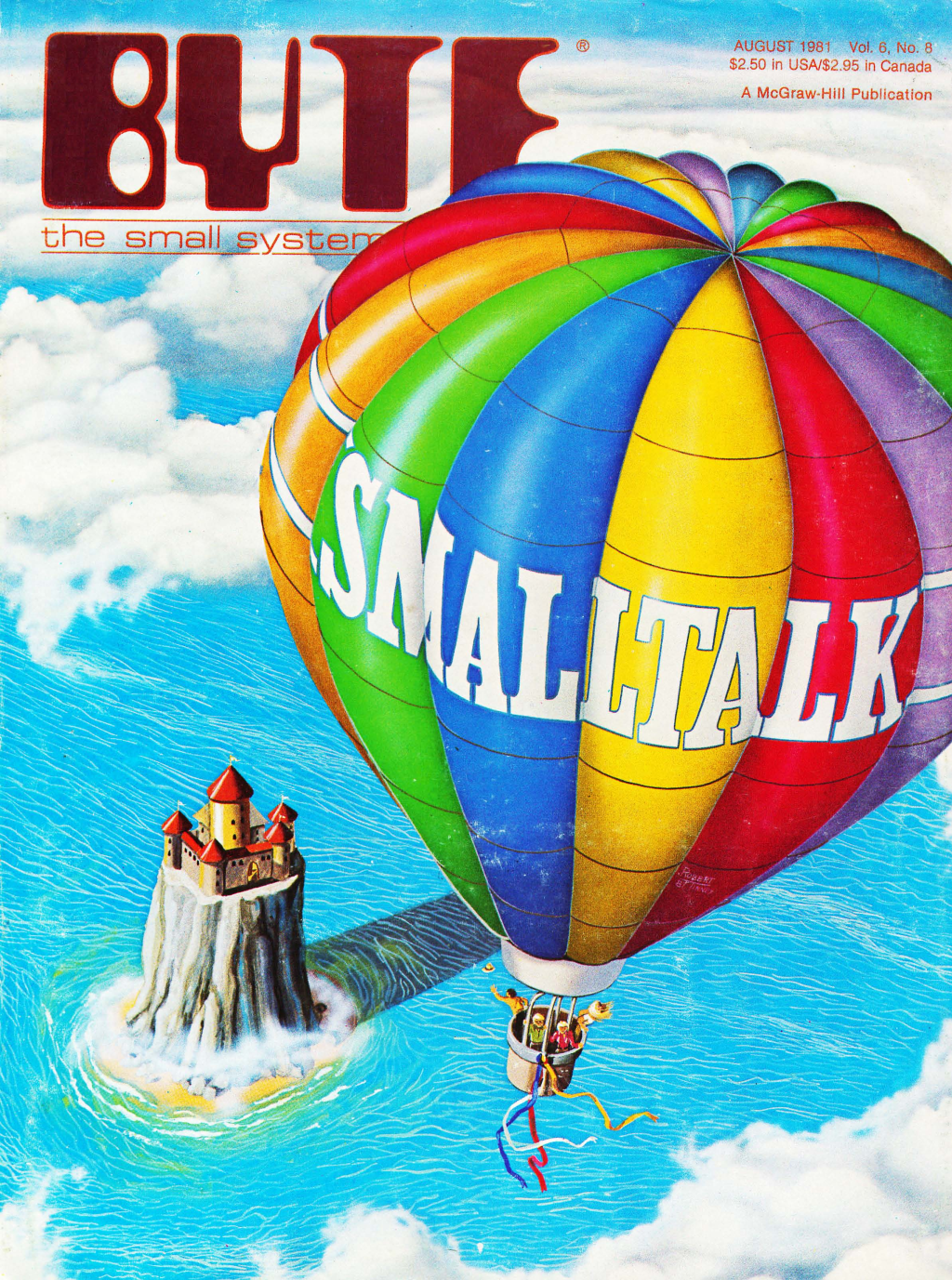
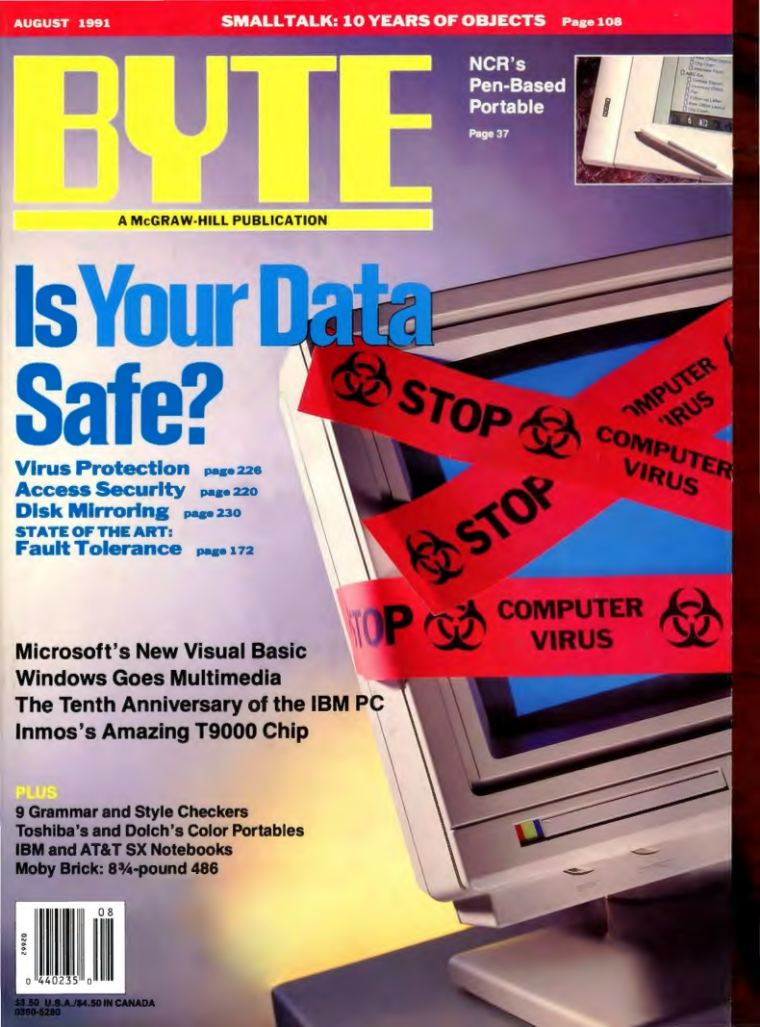
    Among the highlights is the August 1981 edition, famous for featuring the iconic Smalltalk balloon on its cover. This issue is notable for introducing Smalltalk’s unofficial logo. Curious about the significance of the hot air balloon and what it represents? Delve into this intriguing piece of history on the Squeak wiki. You can access the 1981 edition here.

    Also of interest is the August 1991 issue, which includes the article “Smalltalk: 10 Years of Objects.” This piece provides a retrospective and a forward-looking view on Smalltalk, reflecting on its progress since the 1981 feature. You can view this edition here.

    World Radio History’s BYTE magazine archive is a valuable tool for anyone interested in the history of computing and programming languages, offering both a broad overview and specific insights into the technology of the past.

    Additionally, Tim also found some other nice historical videos presented by Capt. Grace Hooper at NSA in 1982 on “Future Possibilities: Data, Hardware, Software, and People.” You may find some fascinating bits of history from her lectures. You can view part 1 here and part 2 here.

    The BYTE archive, along with these historical videos, offers a unique perspective on how early technologies and visionary ideas have shaped modern computing. Together, they provide an invaluable window into the technological advancements and influential figures that have defined the computing landscape.

  • OLPC is not dead! Long live OLPC!

    OLPC-logo

    OLPC-4.0
    Check out OLPC XO-4.

    I would hate to add to the speculation that OLPC is dead because it’s not.  Wayan Wota has been calling OLPC dead for 5 years. This is not news. He has not been involved with the project in a long time. His article is about the XO-1, apparently he doesn’t even know the XO-4 was officially introduced at this year’s CES, alongside the tablet.

    If you really want to know what’s going on with current OLPC community projects see Adam Holt’s http://www.unleashkids.org/

    Full OLPC Statement (from: http://gizmodo.com/one-laptop-per-child-isnt-quite-dead-yet-1541430670):

    OLPC’s mission to empower the world’s children through education is far from over. OLPC is thriving and making more inroads at bringing education to those who can’t easily access it. OLPC recently formed a strategic alliance with the Zamora Teran family through many of their enterprises and their philanthropic foundation, the “Fundación Zamora Teran to deliver XO laptops not only to Central and South America, but also to Africa.

    Aside from distributing more laptops in several schools in Costa Rica, Uruguay is receiving its first 50k units of the XO-4 Touch (running Android) in a few weeks’ time. In addition, the XO Tablet is currently available directly through governments and NGOs, as well as in Europe and Canada and through all major retail outlets in the United States including Walmart, Amazon, Toys ‘R Us among the others.

    OLPC also has outsourced many of the software and development units because the organization is becoming more hardware and OS agnostic, concentrating on its core values – education. As an example, we’ve partnered with the Smithsonian Museum to bring feature-rich, interactive and more targeted content to our young learners.

    We have more exciting things planned in the horizon including the implementation of very large scale projects in several regions of the world, so be sure to stay tuned.

    OLPC is a concept, it is a movement, it is a community and it is about helping children.  Sure the grand vision may be delayed, but the benefits of education and technology, of improving the human condition is not dead.  We all knew that it’s not profitable to teach third world children.  Still,  no one thought that companies would compete against OLPC.  Countries opted for different technologies for hardware but never matched the promise or the vision of the software.  Had the world united around this platform children would have benefited and the world today would be a better place as we develop together and stamp out ignorance.  There is nothing like education to improve the world and that mission is not dead.  OLPC is evolving, finding new ways to reach more children, making more with less, and finding ways to make a real difference in the world.

    Support OLPC!  Long Live the vision.

  • Cog Development Welcomes Clément Béra

    Bert VM Icon(icon by Bert)

    Word has it that Clément Béra is working With Eliot Miranda on Cog.  Göran pointed out Clements excellent blog: here, to me a few weeks ago after meeting him at ESUG.

    From Eliot: Clément Béra is, amongst other things, working on Cog performance, looking at adaptive optimization/speculative inlining (Sista in Cog, for Speculative Inlining Smalltalk Architecture).

    I just wanted to welcome Clément Béra and to say thank you to everyone working on the VM for both communities, you know who you are (and we do to) and especially Eliot for working on Cog and keeping the advancements coming!  Hip Hip … and all that.