Squeak-SemanticText
3 May, 2024

ChatGPT, embedding search, and retrieval-augmented generation for Squeak/Smalltalk. The package aims to make semantic context accessible in Squeak/Smalltalk by providing the following features:
- OpenAI API client: Currently supports chat completions and embeddings. Includes tools for managing rate limits, tracking expenses, and estimating prices for queries.
- SemanticConversation: Framework for conversational agents like ChatGPT.
- ChatGPT: Conversational GUI for Squeak. Supports streaming responses, editing conversations, and defining system messages.
- SemanticCorpus: Framework for semantic search, similarity search, and retrieval-augmented generation (RAG, aka “chat with your data”) through the power of text embeddings. Implements a simple yet functional vector database.
- Experimental tools such as an integration of semantic search and RAG into Squeak’s Help Browser or Squeak’s mailing list.
Check out the work that Christoph Thiede is doing at https://github.com/LinqLover/Squeak-SemanticText.
Feedback and contributions are welcome!
SqueakJS Release 1.2.0
23 April, 2024

March 2024 Release 1.2.0 adds FFI and MIDI plugins, JIT for Sista bytecodes, JPEG write prim, fixes keyboard input, copy/paste, scroll wheel, highdpi, allows ES6 in source.
SqueakJS executes Squeak in a web page. It is a fully capable virtual machine implemented in pure JavaScript running unmodified Smalltalk images. Check it out at https://squeak.js.org/.
ESUG 2024 at Lille France
23 April, 2024

ESUG 2024 International Conference
The 30th ESUG conference/summer-school will be held in Lille, France from 8 to 11 of July 2024.
Conference calls
- Call for Presentations
- Call for Student Volunteers
- Call for IWST 2024 submissions
- Conference Venue and trip information
Conference registration
- Register here and now you can also pay (without extra fees)
- HelloAsso.
Early registration deadline: 15/04/2024
Conference prices ESUG 2024 in Euros:
- Early Registration Fee: 600€ (all days) / 200€ (per day)
- Late Registration Fee: 1000€ (all days) / 300€ (per day)
- Extra person to social dinner: 70€
- Payment by bank transfer: free of charge
- Payment by credit card: +6% fees
- For late registrations we cannot ensure the availability of T-Shirts nor Social Event extra participants
- : If the refund is requested during the early bird period all the fee (without charges) will be refunded. If it is requested after the early bird period is finished, the refund will be 50%
Stay tuned.
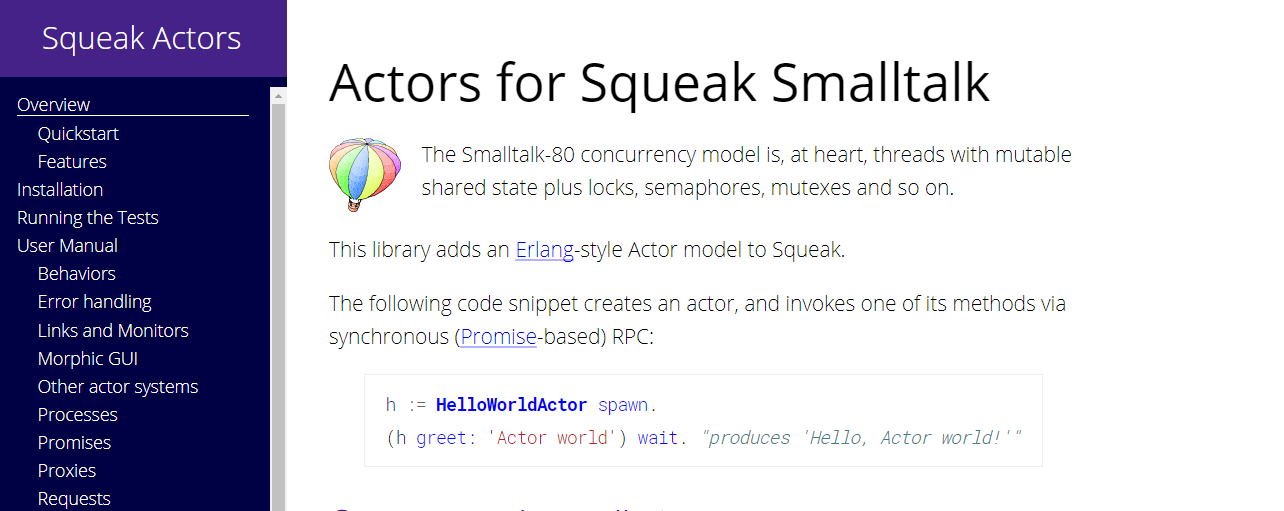
Squeak Actors
19 February, 2018
Call-for-Presentations 26th International Smalltalk Joint Conference
18 February, 2018

Squeak TiledMaps
18 February, 2018
Tony Garnock-Jones:
It’s a package for Squeak Smalltalk. It can load and cache static, prerendered map tiles from a variety of sources including OpenStreetMaps, Bing Maps, and so on.
It includes a geocoder query service which maps free-text queries to regions of the planet’s surface. The service can be backed by the Nominatim service (associated with OpenStreetMaps), the Bing geocoder, the Google geocoder, and so on.
Selection of tilesets is independent of selection of geocoder, so you can mix and match.
The package includes a “slippy map” morph called TiledMapMorph, that allows interaction with a map using the mouse. It includes a few hooks for EToys, too, so EToys scripting of the map is possible.
See: http://wiki.squeak.org/squeak/2800 for more info.
Satellogic hyperspectral cameras geometric and spectral processing software written in Cuis Smalltalk
24 May, 2017

Hi Folks,
Satellogic was featured today at Nature News!
I helped design and build the hyperspectral cameras in our satellites
Fresco and Batata. And I wrote the geometric and spectral processing
software for that image. This is not completely off topic, though: The
geometric software (image rectification and correction), the most
complex part of the processing, was written by me in Cuis Smalltalk, and
runs in a Cuis Smalltalk + OpenCL application.
Please share my joy today!
—
Juan Vuletich
www.cuis-smalltalk.org
https://github.com/Cuis-Smalltalk/Cuis-Smalltalk-Dev
@JuanVuletich
“Some firms are beginning to explore hyperspectral imaging, which spans a wide range of wavelengths, allowing the detection of specific chemicals. In 2016, Satellogic of Buenos Aires launched two 35-kilogram satellites equipped with custom-designed cameras and light filters. Last month, the company became the first commercial supplier of hyperspectral data. Satellogic’s goal is to fly about 300 satellites, together capable of imaging any location on Earth.
And it has already begun to appeal to scientists. The company announced in January that it would give researchers free access to its 30-metre-resolution hyperspectral data. These span optical and near-infrared wavelengths and can help track water pollution and oil spills, and monitor the health of forests and crops. “We are receiving contacts from scientists all over the world,” says Satellogic chief executive Emiliano Kargieman.”
_______________________________________________
Esug-list mailing list
Esug-list@lists.esug.org
http://lists.esug.org/mailman/listinfo/esug-list_lists.esug.org
Call for Papers – 10th ACM SIGPLAN International Conference on Software Language Engineering
9 February, 2017

Eliot Miranda – Lubrication and Flow
21 December, 2016
Eliot gave a terrific presentation about the current state of the community and what we might do to improve it.
Evelyn (Lin) Ostrom
1933-2012
Eight principles for managing a commons
- Clearly defined boundaries
- Proportional equivalence between benefits and costs
- Collective choice arrangements
- Monitoring
- Graduated sanctions
- Fast and fair conflict resolutions
- Local autonomy
- Polycentric governance
http://www.onthecommons.org/magazine/commons-strategies
http://fast.org.ar/talks/lubrication-and-flow
Editorial: by Ron Teitelbaum follows
Eliot gave the presentation to help get the discussion going (it’s not the start of the conversation either, there are earlier efforts like the Pharo Consortium) this Article is part of that discussion.
My take on the conversation is that there are really two aspects of what Eliot is discussing.
First that some sort of economic organization that helps Smalltalk is needed and that the organization should be used to help both programmers and customers. It seems to me that a Smalltalk Guild could be set up to do just that. It would be a place for customers to find certified developers with access to a group of people (other guild members) that can solve difficult problems if they get stuck. It could also be a place where members who make over a certain amount of money could get proportional benefits. As a developer. I would probably join such a guild and as a customer, I would love to have a place to go which could help me solve some programming issues.
Second that we need to have better visibility, coordination, and cooperation. The cost of coordination using technology is falling fast. Having a site that pairs tasks with developers, shows developers guild certifications, allows for customer and developer ratings and comments, highlights training materials and growth paths, and generally allows communities to form and disband around specific areas funded by companies or the guild itself would fundamentally change how we organize and grow the community.
To illustrate let’s say we form a Smalltalk Guild. Members pay $10 a year to join + %10 of what they make on jobs they get through the Guild Jobs. Companies can also join the guild and pay $100 per year and pay %10 in addition to what they pay for a job if they hire a Guild member to do the work. (These are just made up figures I have no idea if they would actually work and some study would be needed to figure that out). As a group, the Guild can provide Training for new members, create certification levels and growth plans. The incentive for the group is that as members grow and make more money everyone benefits, there is an incentive to make sure people are qualified, can do the work, and actually get work instead of doing nothing (like java programming). Users that contribute over 10k to the guild (earn 90K) can get benefits if they are out of work, or maybe healthcare on a group plan, some form of compensation which of course would be less than they contribute + generate in customer fees and would be decided by the Guild as Eliot says 0.N/X. This gives the best guild members an incentive to stay with the guild and to feel like the guild is helping them provide some basic needs and it allows the guild to acknowledge the contributions the member is putting in to help the entire group. The money could also be used to benefit the Guild. To pay for someone’s training or certification, to increase visibility, to look for donors, find new customers, invest in new training materials, new conferences, courses, or even develop technology like the VM or application frameworks based on the group’s collective choices.
 The Weekly Squeak